Landmark / Berlin Tourism
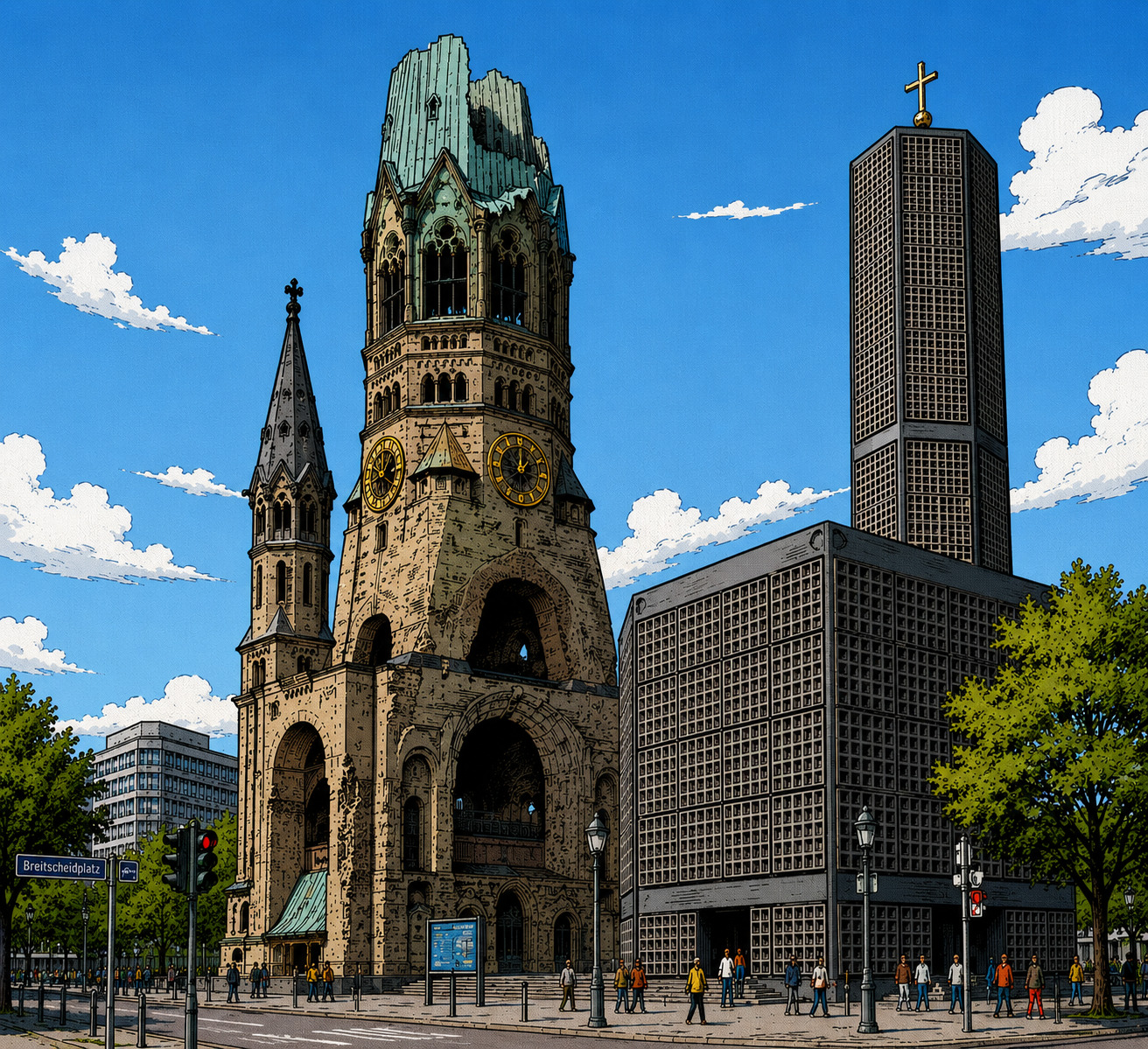
Kaiser Wilhelm Memorial Church
A polished first-party location map with local context.
 SteadyMaps
First-party maps for business websites
SteadyMaps
First-party maps for business websites
SteadyMaps gives your contact or location page a polished map served from your own domain. No third-party map requests just to display your location, no recurring API fees, and no consent prompt solely for the map.
SteadyMaps shows the business and its local surroundings from your own domain. Optional buttons can open Google Maps for directions or a wider view after the visitor chooses that action.
A polished first-party location map with local context.
Purchase a prepared map package for one business location.
Tell us your address, business name, and preferred map style.
Within 24 hours, get the map data, assets, and integration code.
Upload the package to your own domain and embed the widget.
Add the bundled assets, point the widget at your map package, and host everything with your site.
<script type="module" src="/steadymaps/widget.js"></script>
<link rel="stylesheet" href="/steadymaps/widget.css" />

<div
  data-map-widget
  data-map-file="/steadymaps/my-business.xmap"
  data-poi-file="/steadymaps/my-business.json"
  data-style-file="/steadymaps/style.zip"
></div>